QR to kitchen without gaps
Public table QR orders and waiter POS orders land in the same kitchen and cashier workflow.

LiteMenu POS connects table orders, guest QR ordering, kitchen display, cashier settlement, stock, expenses, reports, and local receipt printing in one tenant-scoped platform.
Why restaurants choose LiteMenu POS
The page is simple because the product is direct: take orders, route them, settle them, print them, and understand the day without bolting together separate tools.
Public table QR orders and waiter POS orders land in the same kitchen and cashier workflow.
Cashiers handle full or itemised payments, tips, discounts, void approvals, and table clearing with server checks.
Product and variant stock are tied to order creation, cashier edits, voids, and insufficient-stock rollback rules.
Roles, package gates, languages, currency, branding, and public menu routes stay scoped per tenant.
Product modules
Each module is shaped around a normal restaurant shift, not around a standalone feature checklist.
Manage products, categories, translations, variants, modifiers, tenant currency, and public QR ordering.
Route orders into kitchen status flow, then settle tables with payment, tip, discount, and void controls.
Track operational inputs beside revenue, payment mix, category sales, product sales, margin, and stock value.
Pair Windows and Android print connectors, control printer routes, and unlock modules through package scope.
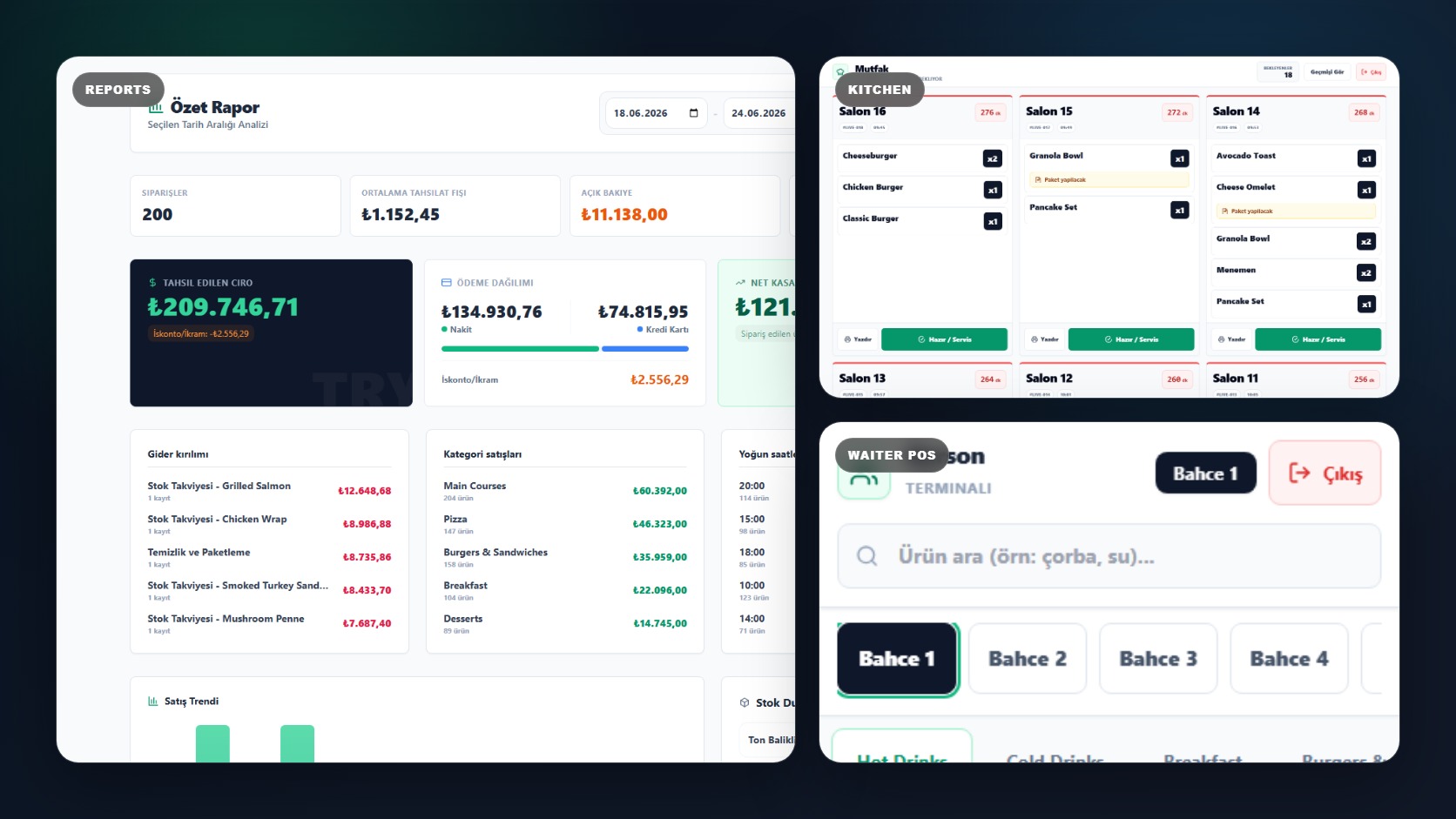
Full product walkthrough
Simple, transparent pricing
All plans include core POS features. Upgrade to unlock QR ordering, kitchen display, print agent, and advanced reporting.
For small cafes and single-location restaurants starting with digital operations.
What's included:
For growing restaurants that need QR ordering, kitchen display, and stronger reporting.
What's included:
For high-volume venues, groups, and operators that need full platform control.
What's included:
Product proof
Open the demo and move through QR ordering, kitchen display, cashier settlement, reports, stock, expenses, and print queue with sample data. Sales demos and controlled POS/manual-payment pilots are ready, verified backup and database restore proof exists, and QR card payments still require a charge-enabled Stripe Connect tenant before pilot use.
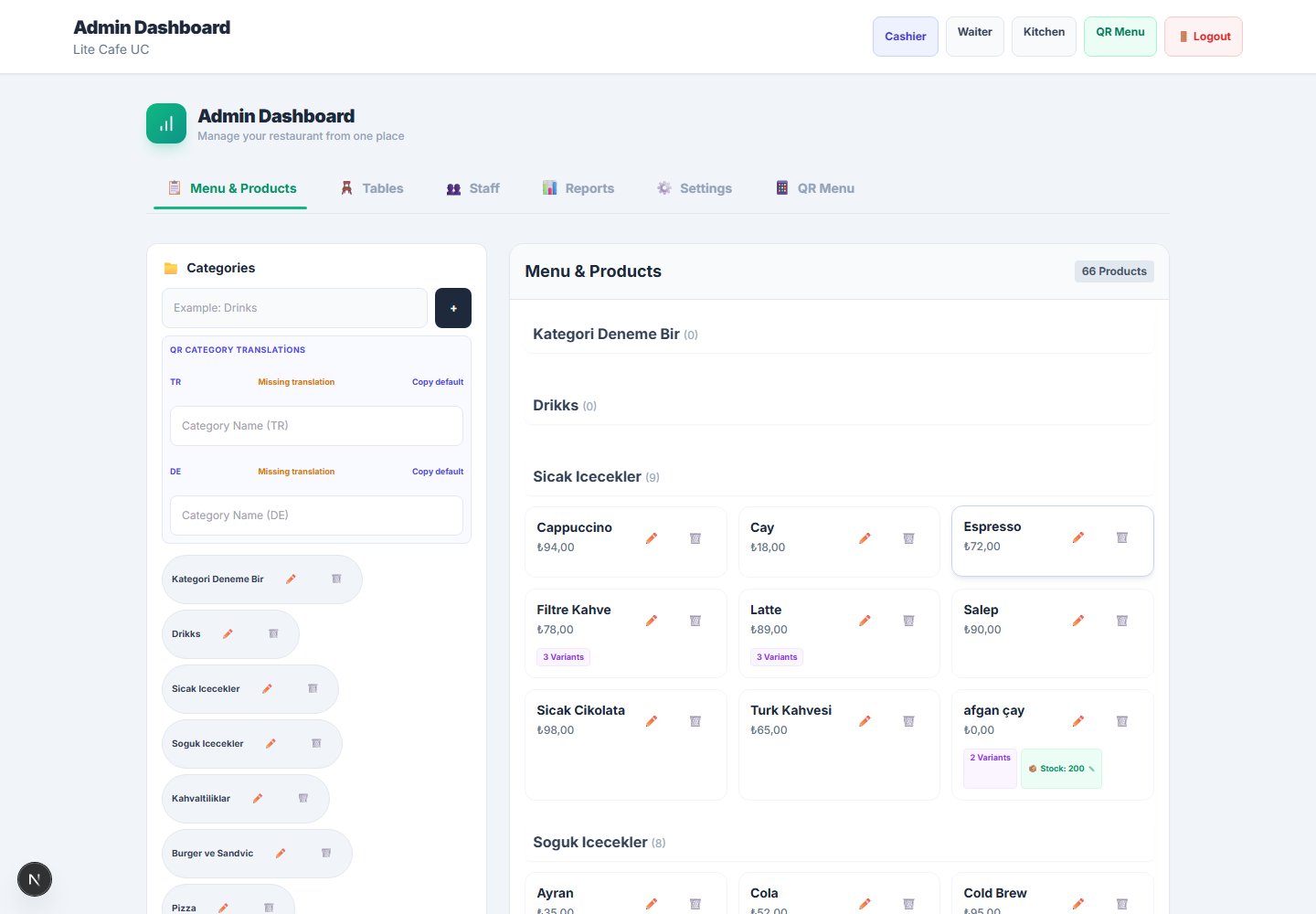
Admin command center
Reports, stock, expenses, QR settings, staff, and tenant configuration.
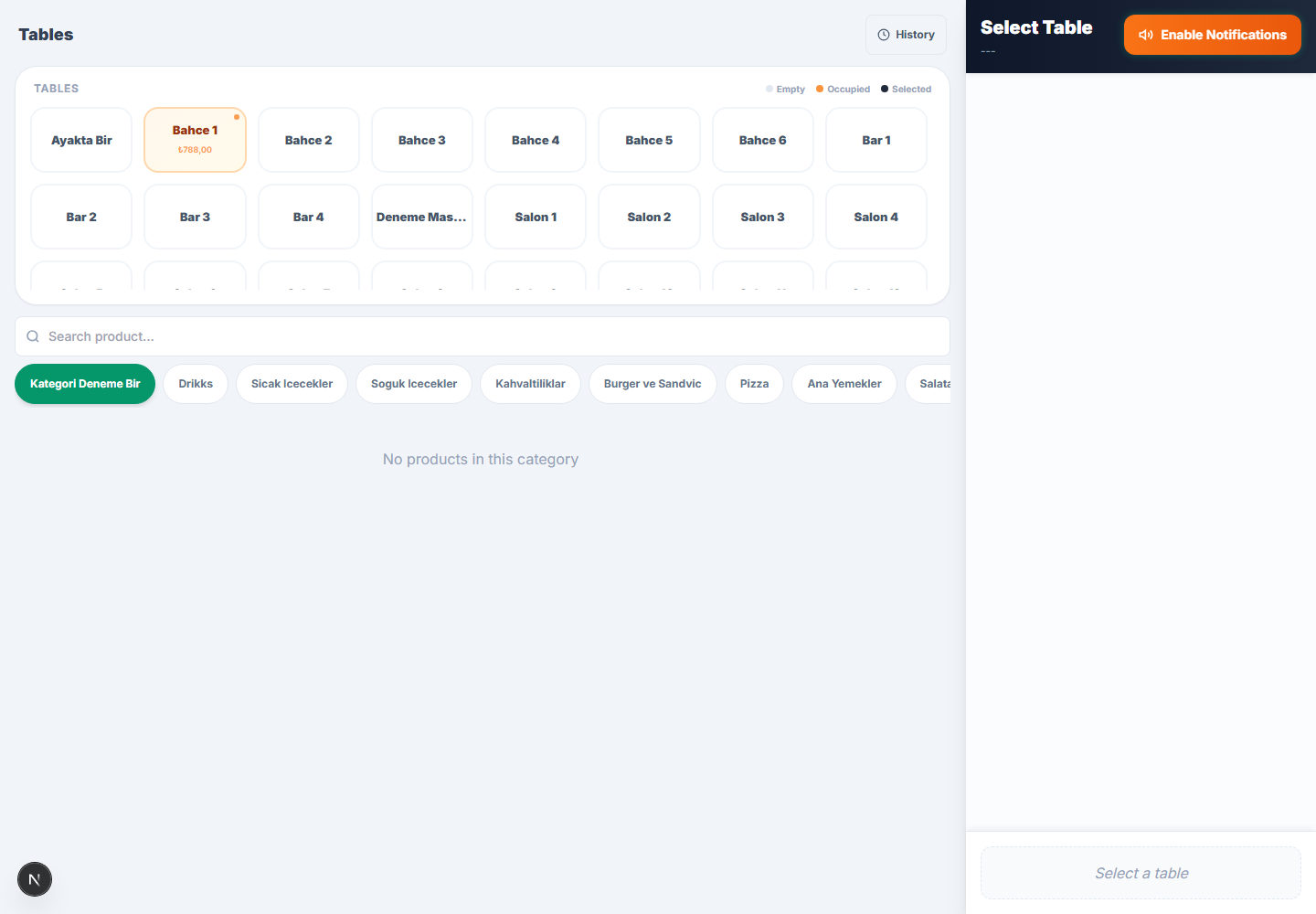
Cashier settlement
Tables, balances, payments, discounts, void approvals, and clearing rules.
Kitchen display
Ticket state flow for prep teams and order visibility.
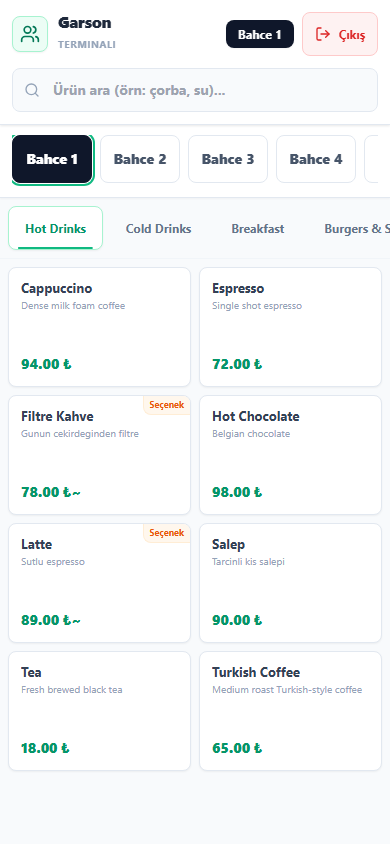
Waiter POS mobile
Staff-facing table selection, category browsing, and order entry on a phone-sized screen.
Common objections
Yes. QR orders and waiter/POS orders feed the same operational flow, so staff can keep normal service habits.
Yes. High-risk cashier actions use role checks, manager PIN approval, and server-side state rules.
No. QR menu is one entry point; the platform also includes kitchen, cashier, stock, expenses, reports, plans, and printing.
Yes. The public white-label page explains runtime brand settings, package scope, commission controls, and buyer handoff details.
Cloud POS and QR ordering for restaurants
Open the demo or request a guided walkthrough and see how LiteMenu POS fits your restaurant before you decide.